 Sail Hub
 Linux troubleshooting
The usual suspects on Linux, and what to do about them.
The AppImage closes right away#
On Ubuntu 24.04 and Linux Mint 22, the AppImage can stop straight away with a message about the SUID sandbox. Install the .deb instead, or start the AppImage with --no-sandbox.
./Sail-Launcher-<version>-x86_64.AppImage --no-sandboxThe AppImage won't start at all#
AppImages need FUSE 2. Install libfuse2 (Debian, Ubuntu), fuse-libs (Fedora) or fuse2 (Arch), or run it without FUSE:
./Sail-Launcher-<version>-x86_64.AppImage --appimage-extract-and-runAccounts are turned off#
Sail keeps your login in the system keyring, so it needs one that's running and unlocked: KDE Wallet, GNOME Keyring or KeePassXC. Start or unlock your keyring, then restart Sail.
A Windows game won't start#
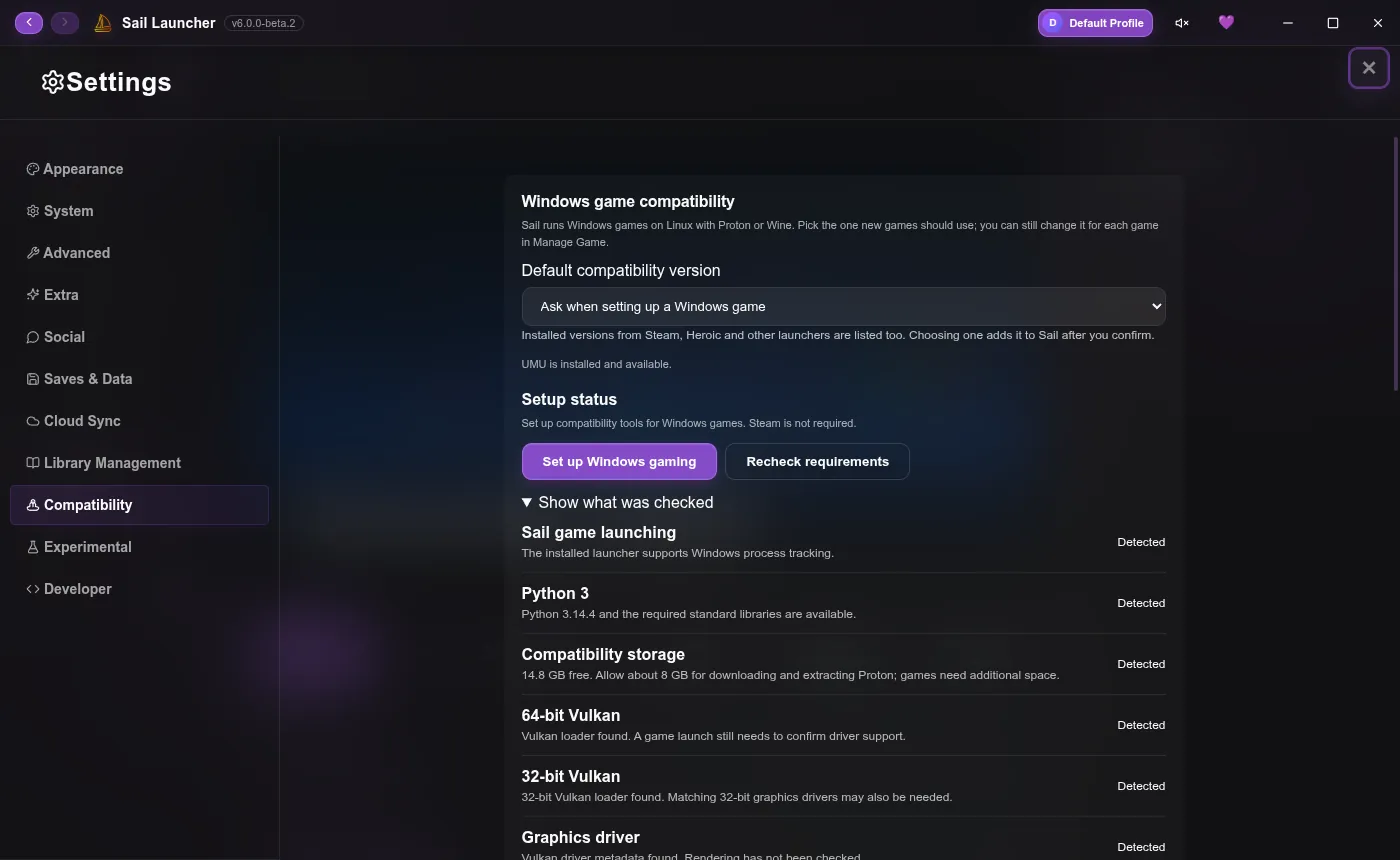
Windows games need Proton. Open Settings → Compatibility and install a Proton version (Sail can download GE-Proton and UMU for you; this needs Python 3). Then open the game's Manage Game → Compatibility page to pick which Proton it uses.
Still stuck?#
Report it on GitHub with your distribution, desktop and package type.
Last updated 20 October 2026