 Sail Hub
 Sail Launcher
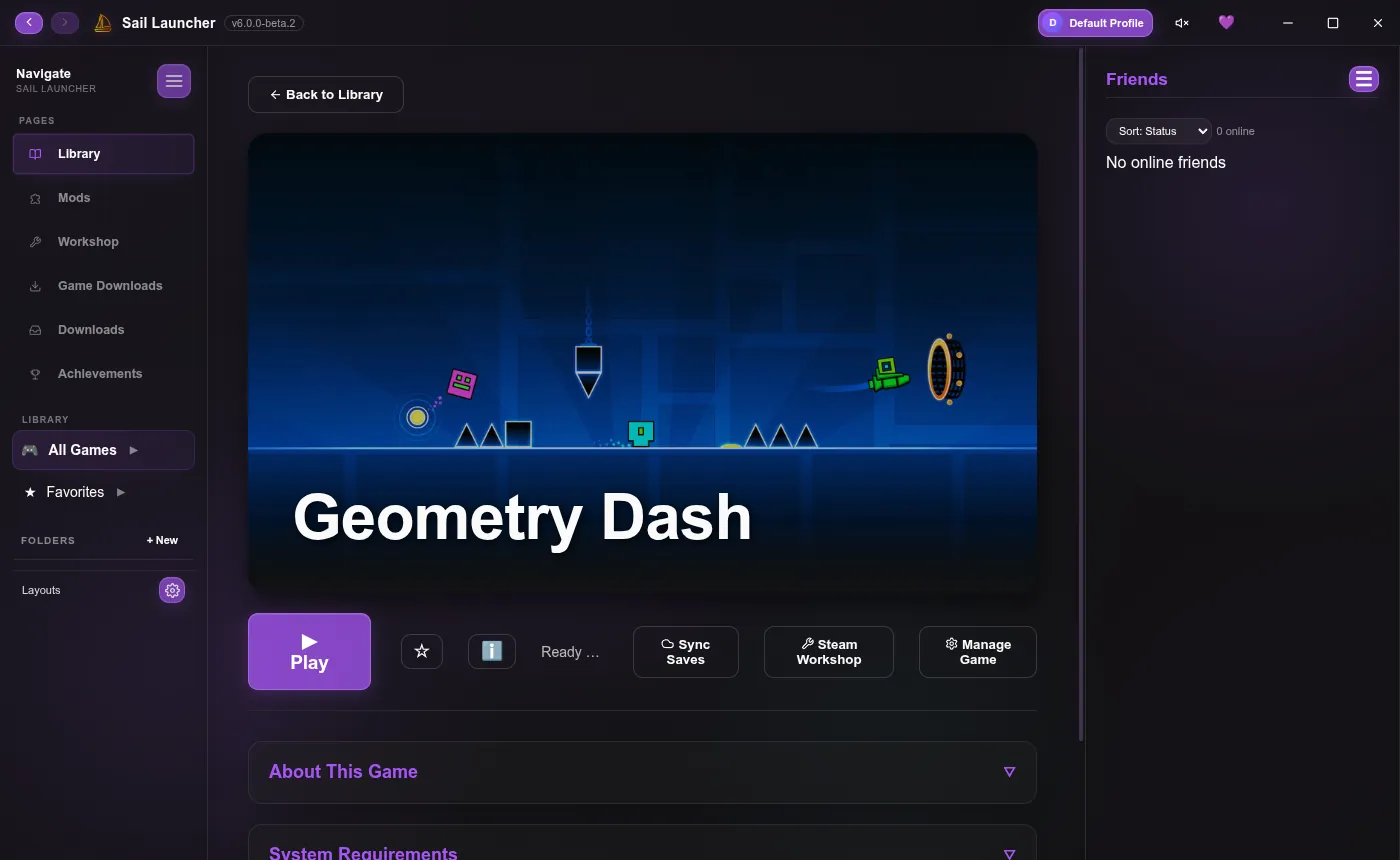
Sail Launcher is a game and app launcher for Windows and Linux. It keeps your library, playtime, achievements, saves and mods in one place, and you can change pretty much how all of it looks.
Features#
| Area | Includes |
|---|---|
| Library | Steam library importing, folders, favorites, tags, search and filters, custom artwork, metadata and playtime tracking |
| Achievements | Local achievement tracking, optional Steam import, official names and artwork, and unlock notifications |
| Launching | Executable detection, custom arguments, pre- and post-launch scripts, companion apps, administrator mode, high CPU priority and desktop shortcuts |
| Accounts and sync | Sail accounts, several profiles with PINs, Sail Cloud, and scheduled sync that handles conflicts |
| Downloads | A download manager with game-source search, pause, resume and retry, archive extraction, installer automation and automatic importing |
| Saves | Save-folder discovery, backups with version history, restore tools, and syncing to Sail Cloud and other providers |
| Workshop and mods | Steam Workshop browsing through SteamCMD, and custom web sources |
| Customization | Built-in and custom themes, animated backgrounds, custom fonts, tile layouts, a visual UI editor, frosted glass, and layouts |
| Plugins | A plugin manager, a settings window for each plugin, and a plugin API |
The full list is on the features page.
Windows and Linux#
Sail runs on both from the same code. On Linux, native games launch directly and Windows games run through Proton. Linux support is in beta: a few things aren't there yet, and the Linux install page lists them.
Next steps#
License#
Sail Launcher is free software under the GNU General Public License v3.0. The license covers Sail's own code, not games, downloads or other people's content you use with it. Sail doesn't give you rights to any games; you're responsible for having permission to access and use what you manage with it.
Last updated 20 October 2026